
Installation Guide for Hidemium4 on macOS
Course Overview
-
Download the latest version of Hidemium4 for Mac

2. Install the app
B1: After downloading successfully, open the .dmg file
B2: Open the .dmg file and drag the Hidemium4 icon into the ‘Applications’ folder.

B3: After completing step 2, don’t rush to open the app. Open Terminal, copy and paste the following command into Terminal, and press Enter:
xattr -cr /Applications/Hidemium4.app
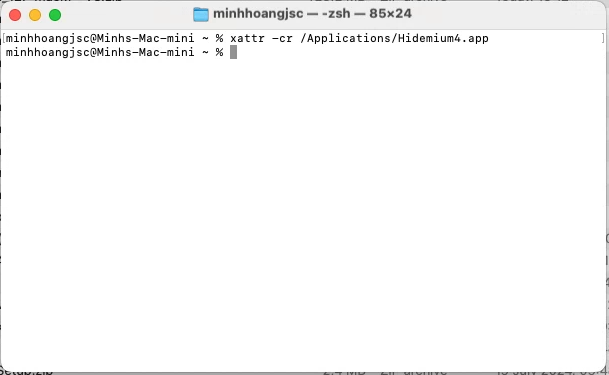
Then you run the following command:
Note: You need to replace ten_may with your computer’s name.
chmod -R +x /Users/ten_may/.hidemium_4
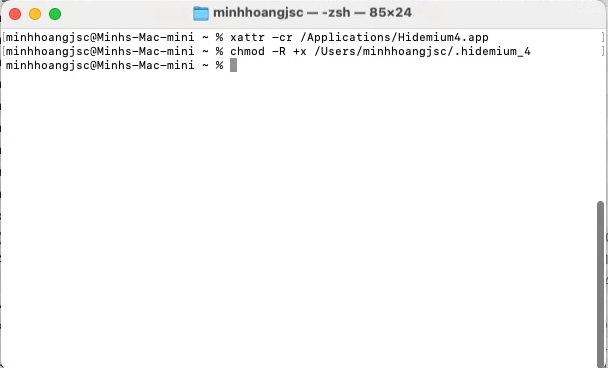
B4: After that, you can open the Hidemium4 app and use it normally.
